YouTube Tools
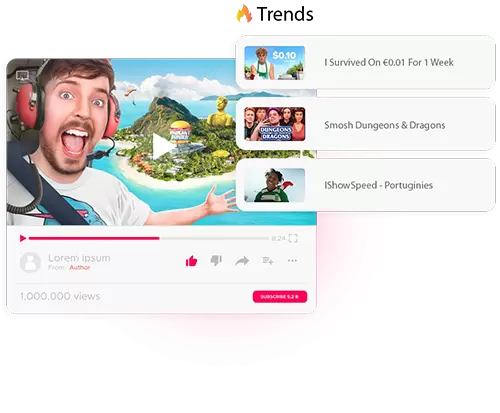
Find trending topics, calculate revenue estimates and generate better tags for each video.

Downloadpremium is your all-in-one hub for FREE online tools.
Simple, powerful, and fast—get everything you need in one place.
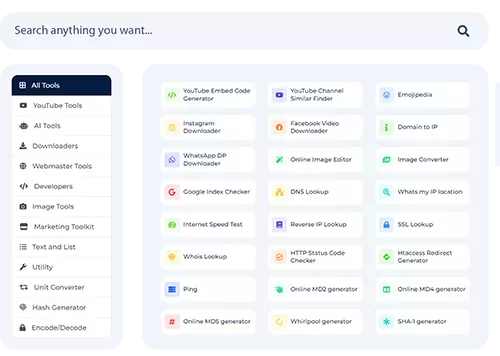
We have put together a collection of online services so that you can deal with your daily affairs more simply, quickly and easily.
Downloadpremium offers a comprehensive suite of online tools tailored for marketers, developers, and influencers — helping you work smarter, faster, and more efficiently.
From powerful YouTube utilities and text/list processing tools to advanced downloaders and developer resources, our platform brings together everything you need in one place.
Whether you're performing simple tasks or tackling complex algorithmic computations 🤓, Downloadpremium is designed to meet your online needs. We also offer features for image editing, file conversion, and much more. Our collection of tools is constantly evolving — we add new solutions every day to help you stay ahead.
See what we have in our box! 👇🏻📦
Find trending topics, calculate revenue estimates and generate better tags for each video.
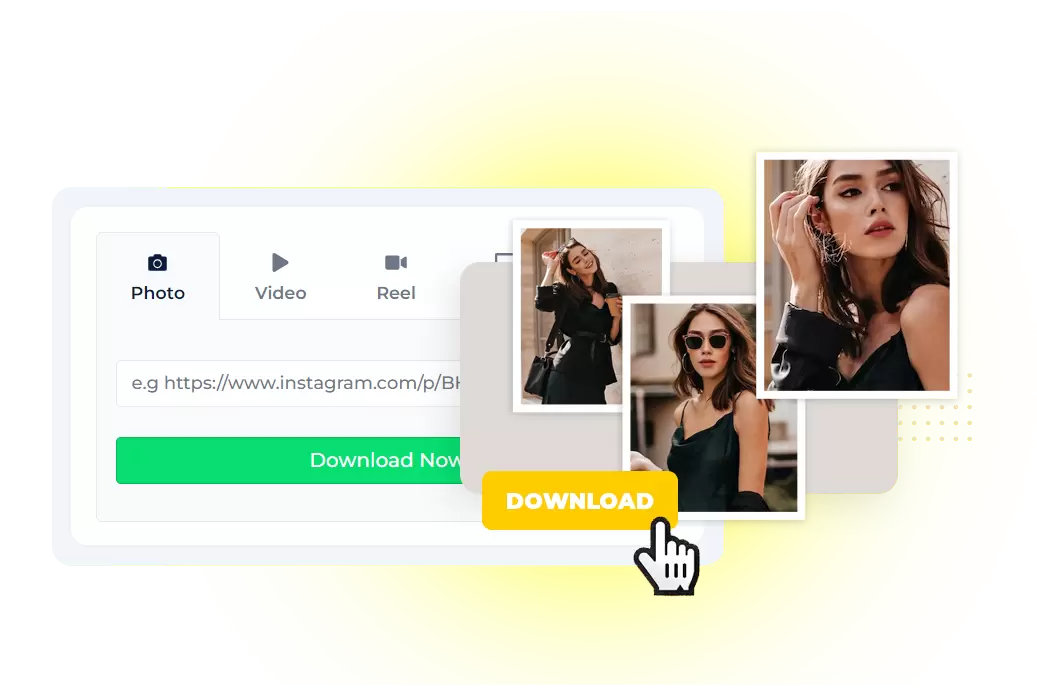
Grab videos, covers and stories in a few clicks — ready for backup, inspiration or editing.
Monitor performance, check DNS, inspect SSL and simplify routine technical checks.





The logos shown are for illustrative purposes only and do not imply direct endorsement or affiliation with these organizations.
We always help you solve problems.
Amazing tools we currently have
Users have tried our tools globally
Requests made by our visitors
Have questions about how this toolbox works? Here are quick answers.
Open the original content, copy its specific share link again, and check the error message. Expired links, access requirements, unsupported content types and changes at the source can affect results. If a temporary error occurs, retry later with a link you are allowed to access.
Use the quality, audio and subtitle choices displayed for your current link. A source may offer only some resolutions or no subtitle track. Check the saved file before using it; 4K output and a particular subtitle format are not available for every link.
Compare the saved file with the source and review the available output options. Resolution, visible marks and image detail depend on the original content and the current result. Do not assume the tool can remove marks embedded in the picture or restore covered detail.
Check that the transfer finished and that the original content includes audio. Try a compatible player and review any other format or audio options actually offered in the result. The service does not promise to repair every missing audio track or damaged file.
Use a specific video or post link that is publicly accessible and that you have permission to save. Check the files and options returned for that link. A profile, search page, expired link or access-restricted page may not be supported.


